How to Use Godox V1 As Trigger
Wondering how to use the Godox V1 as a trigger? In this post, I will show you how to use your Godox V1 on camera in “master” or “transmitter” mode to trigger off camera flashes in “slave” or master mode.
This post contains affiliate links, meaning the website receives a small commission for any purchases made through the link at no extra cost to you.

How to Use Godox V1 As Trigger: Tips
On the Master/Transmitter Flash On Your Camera
- The flash that you slide into the hotshoe on top of your camera is considered the “master” or “transmitter” flash. (NOTE: In newer models of the flash, the terminology has been changed from “master and slave” to “transmitter and receiver”.)
- Make sure it’s set to the “Master/Transmitter” mode. Click the “zig zag” button on the far right of the flash one time to change the mode from on camera to “Master/Transmitter” mode.
- Click the button below “M” on the bottom right to change the Master/Transmitter flash from TTL to M for “manual” if that is your preference. Use the wheel to choose your level of flash power if in manual mode.
- Take note of your channel number. Your channel number will need to match the channel number of your slave/receiver flash.
- Choose a group letter (A,B,C,D,E) for your slave/transmitter flash. Click its corresponding button for the group number to “turn on” transmission to that group. Select TTL or “M” for manual if that’s your preference. Control its power using the wheel.
On the Slave/Receiver Flash Off Camera
- The flash that is off camera is considered the “slave” or “receiver” flash.
- Make sure its set to “slave/transmitter” mode. Click the “zig zag” button on the far right of the flash two times to change the mode from on camera, then, “Master/Transmitter”, then “Slave/Receiver” mode. The screen should turn orange.
- Click mode at the bottom of the wheel to change from TTL to “M” for manual if desired.
- Make sure the slave/receiver’s channel is the same as the master/transmitter flash’s channel. Otherwise they won’t communicate to each other.
- Make sure the slave/receiver’s group letter is the same as the group letter you turned to TTL or Manual on the master/transmitter flash. Note: I’ve found that you can’t have 2 off camera flashes assigned to the same group letter. One will turn itself off automatically.
- The power of this slave/receiver flash will be adjusted on the the master/transmitter flash.
Troubleshooting
Make sure the Master/Transmitter flash is fully pushed into the hot shoe and correctly oriented. (One of my students accidentally tried to mount the flash backwards on a Nikon camera. Oops! It certainly won’t work that way!)
If the Slave/Receiver flash isn’t firing, double check that it is set to the same channel as the Master/Transmitter flash and fully awake (instead of in sleep mode). Also ensure that the group assigned to the Slave Receiver flash is turned on on the Master/Transmitter flash!
When to Use the Godox V1 As a Trigger
Now, let me first note that this is not a set up that I use a lot for my in home or indoor lifestyle sessions. I prefer to have my Godox V1 flashes fully off camera so that I can move around without my light moving around with me. A moving light creates varied results because the closer it is to the subject, the brighter the light will be and vice versa.
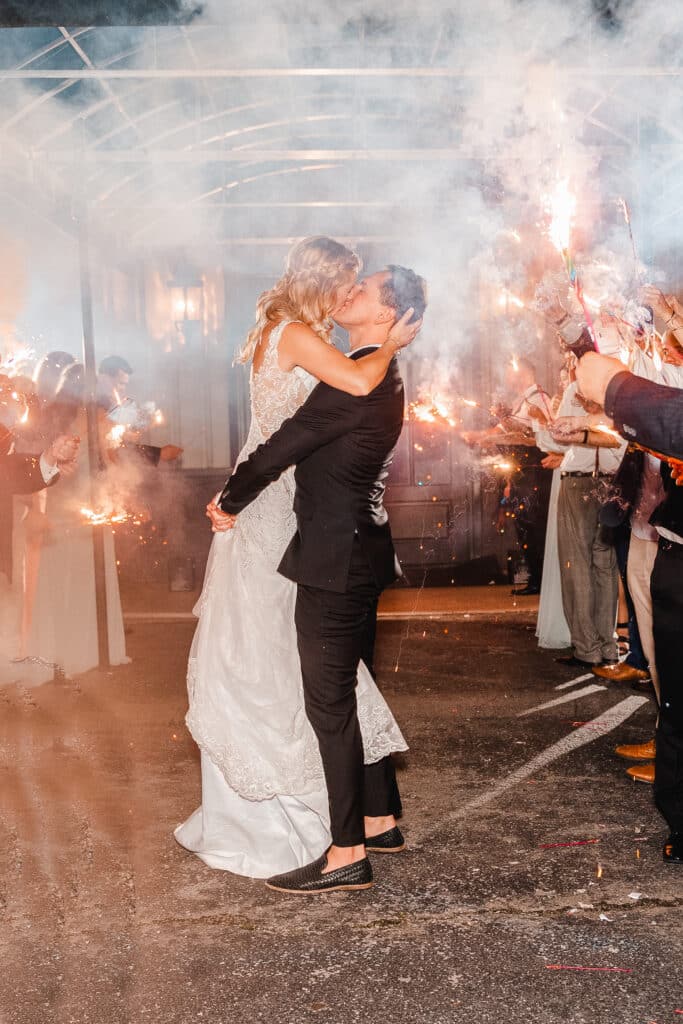
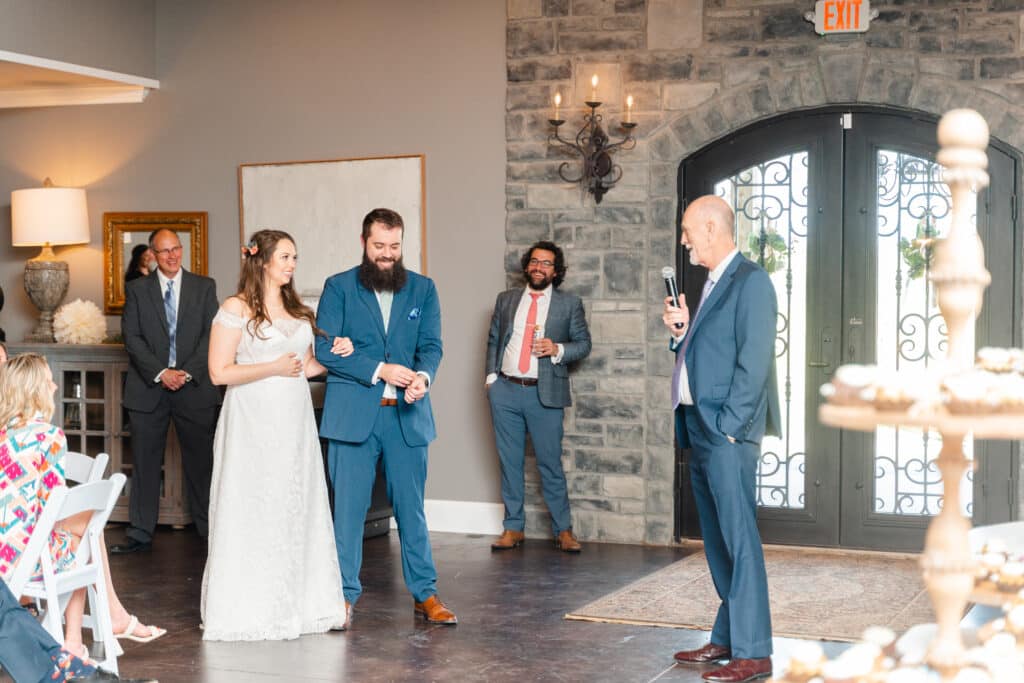
However, I did use this set up more when I was photographing events. When capturing events, I generally worked really large spaces where I had no choice but to move around a lot. Similarly, in these circumstances, I’m less concerned about taking photos that imitate the look of natural light. If it’s a party with a lit up dance floor, I’m okay with my photos looking a little “flashy”. If I was in a large room or trying to capture the dance floor at a reception, I set up one or two flashes off camera for fill or back lighting. My on-camera flash was then used to illuminate my subject.

What If You Don’t Photograph Events?
Nevertheless, even if you aren’t photographing events, knowing how to use Godox V1 as a trigger is a good skill to have in your back pocket. What if your trigger fails during an in-home session? If you run out of batteries for your trigger, what would you do? What if you accidentally leave your trigger at home?
I actually had a situation like this last year. It was a super overcast, rainy day. The room, despite having a good window and light colors was very dark. My plan was to use off camera flash. I had an older trigger that had a plastic hot shoe. When I was setting up in the nursery part of the hotshoe, where it connected to my camera, broke off. Ahhh!! I quietly had a little heart attack. Then I took a deep breath. I decided that if the trigger couldn’t limp along, I would just use one flash on camera to trigger a second flash off camera to fill the room with light.


The moral of the story is: sometimes our best laid plans don’t work out and it’s always helpful to fully understand how your equipment works in case you need to shift to another plan.

How to Use Godox V1 As Trigger
I hope you’ve found this post about how to use the Godox V1 as a trigger helpful! Try it out and let me know how it goes!
Related Post: How to sync Godox Flash with Trigger

Leave a Reply